
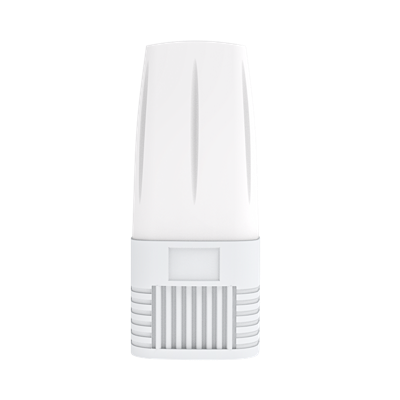
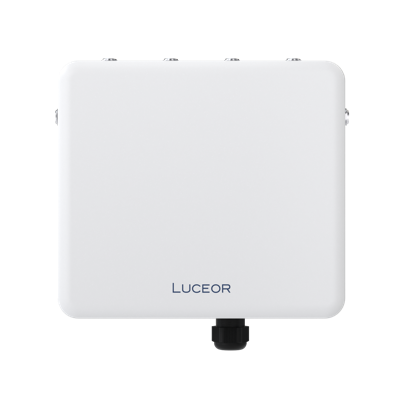



ARMOR X3
WiFi 7Rugged WiFi with mesh extension
TECH SPECSBuy
Overview
| Wireless technology | WiFi 7 |
|---|---|
| Radio configuration | 3 radios — 2.4 / 5 GHz / 5 or 6 GHz |
| Maximum radio rates | 688 + 2,882 + 2,882 Mbps |
| Spatial Diversity | 2x2 MIMO |
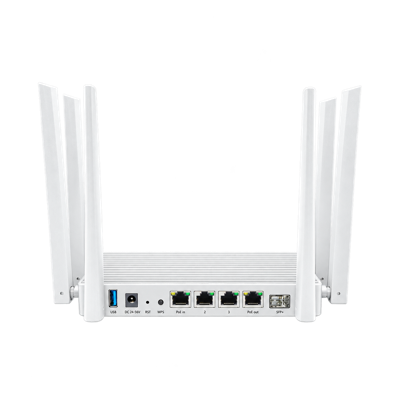
| Network interfaces | 2× 2.5 GbE + 10G SFP+ |
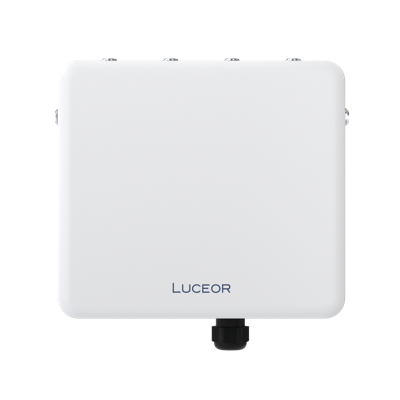
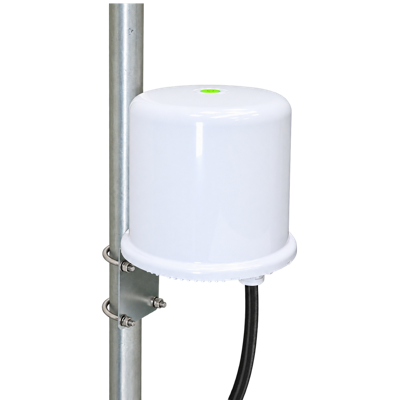
| Enclosure / protection | Metal · IP67 |
Radio & Antenna
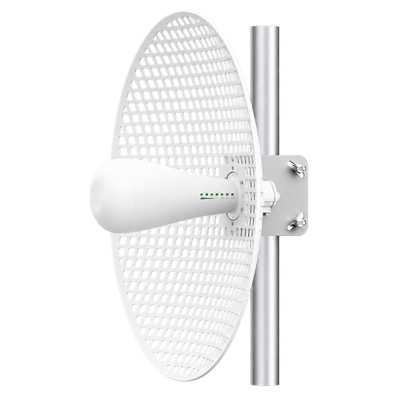
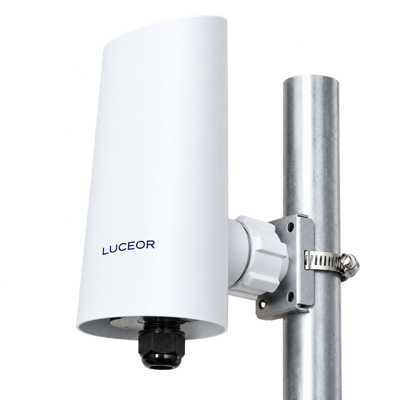
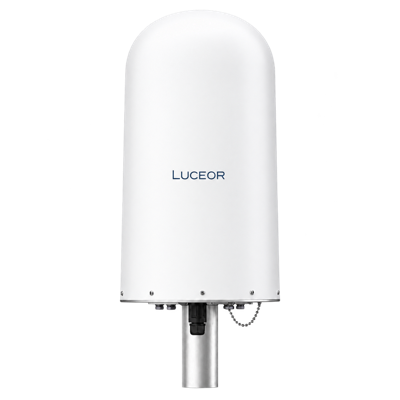
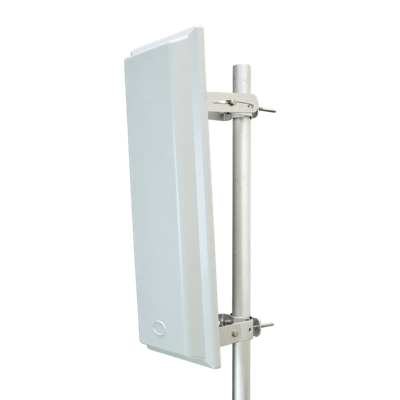
| Antenna configuration | External antennas |
|---|---|
| MLO | Supported |
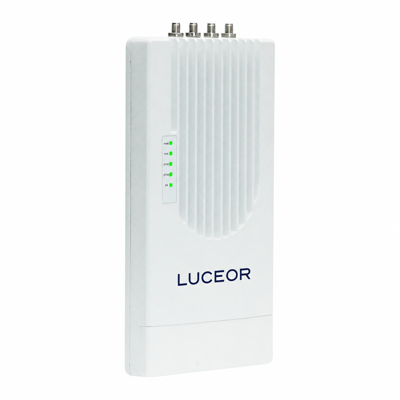
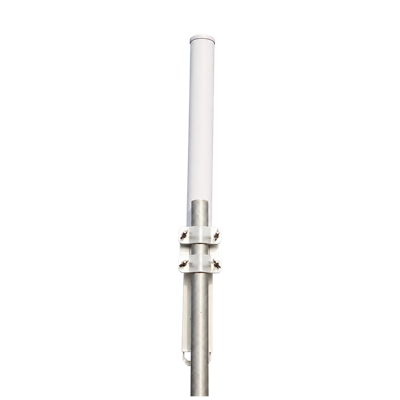
| External antennas | 2× 6 dBi antennas per radio |
| RF connectors | N-type |
| 5 GHz channel width | Up to 160 MHz |
| Modulation | 4096-QAM |
| Multiple SSIDs | 4 per radio |
Hardware
| Operating temperature | −30 to +70°C |
|---|---|
| Third radio modes | WiFi Access Point or Mesh |
| Dimensions | 243.2 × 218.3 × 68.3 mm |
| Weight | 1.85 kg |
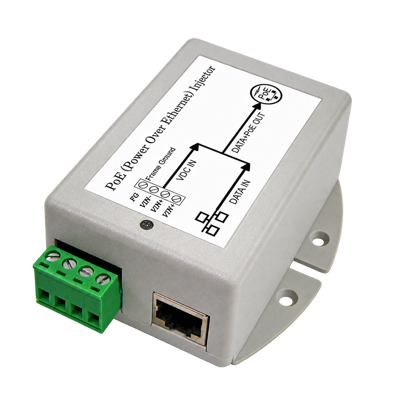
| Power | PoE input or 12 V DC / 3 A |
| Maximum consumption | <30 W |
| Processor | Qualcomm IPQ5322 + QCN6274 + QCA8386 |
| RAM | 1,024 MB DDR4 |
| Flash | 128 MB NAND |
| Operating humidity | 5–95%, non-condensing |
| ESD protection | ±15 kV air · ±8 kV contact |
| Surge protection | 4 kV common mode · 2 kV differential mode |
Networking & Management
| Roaming | 802.11k/v |
|---|---|
| VLAN | Supported |
| Client isolation | Supported |
| Wireless security | WPA / WPA2-PSK · WPA3-PSK (AES) |
| Operating modes | Gateway · AP · Repeater |
| Management | Web interface · AC controller · Remote · Cloud |
PHY rates are theoretical. Actual throughput and range depend on radio configuration and operating conditions. Available frequencies, channel widths and transmit power depend on the country of operation.
STANDARD PACKAGE
In the box
Supplied components for ARMOR X3.
ARMOR X3 access point×1
LAN cable×1
Mounting accessoriesSet
PRODUCT PHOTOGRAPHY
ARMOR X3, in detail.
Explore the original product views.
View 2
Download PNGView 3
Download PNGView 4
Download PNGView 5
Download PNGView 6
Download PNGView 7
Download PNGINSTALLATION ESSENTIALS
Complete the installation.
Connection and mounting requirements for ARMOR X3.
Installation support
Suitable mounting support and clearance.
Check your deployment configurationNetwork connection
2× 2.5 GbE + 10G SFP+
Check your deployment configurationPower supply
PoE input or 12 V DC / 3 A
Check your deployment configurationINSTALLATION NOTES
Install. Connect. Configure.
Deployment checklist for ARMOR X3.
Position the device
Secure the unit on a suitable outdoor support and protect all exposed connections.
Prepare the antennas
Attach compatible external antennas before enabling the radios.
Connect network and power
Use the documented Ethernet and power interfaces. Verify the supply requirements on the device label.
Configure wireless access
Configure the country, SSIDs, authentication and VLAN settings. Verify coverage with a client device.
 ARMOR X3